Tutorials
Short videos and walkthroughs to help you get the most out of PrintMaster Ai.
.jpeg)
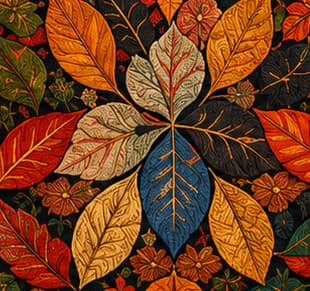
Solid DesignArtistic Masterpiece!
Upload any solid motif or design and transform it with 19+ artistic effects — Watercolor, Oil Painting, Pencil Art, Embroidery, Baroque, Ink Wash & more.
Before/After comparison slider — see the magic instantly!
- 19+ artistic effects — Watercolor, Oil Paint, Pencil, Pastel & more
- Effect Strength slider — control intensity from subtle to dramatic
- Before/After slider — instant visual comparison
- Original layout & composition fully preserved
- TIFF 300 DPI export for production
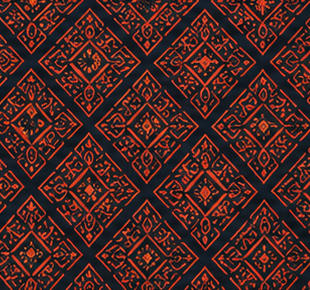
Blank CanvasSeamless Pattern!
Describe the motif, mood, or reference in plain text and generate a print-ready, repeat-checked pattern in seconds — no design software required.
Live repeat preview — check seams before you export!
- Natural-language prompts, no design experience needed
- Multiple style & motif variations per prompt
- Automatic seamless tiling and repeat check
- Fine-tune scale, density, and color on the fly
- Export straight to print-ready formats
One PaletteInfinite Variations!
Recolor any design in seconds with Pantone-matched palettes, without regenerating the artwork or losing the original composition.
Swap, save, and compare palettes side by side!
- Pantone-matched color libraries
- One-click recolor across the full design
- Save custom palettes for reuse across projects
- Side-by-side palette comparison
- Color-managed export for accurate printing
.jpeg)
Generate Your First Pattern
Go from a blank canvas to your first AI-generated seamless pattern in under two minutes.
Using Text-to-Pattern Prompts
Write effective prompts and steer the AI toward the motif and style you want.
Recoloring a Design in Seconds
Swap palettes instantly with the Color Studio without regenerating your design.
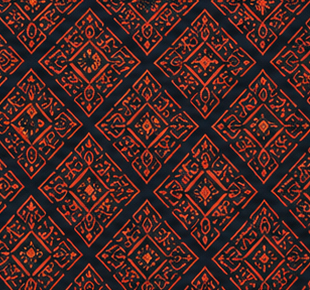
Checking Seamless Repeats
Preview tiling in real time and fix seams before you export for print.
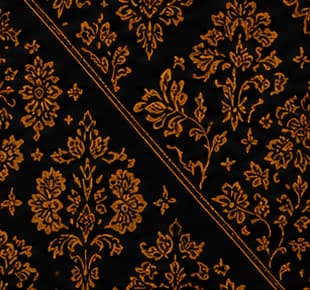
Exporting Print-Ready Files
Choose the right resolution, format, and repeat settings for your printer or mill.

Organizing Your Design Library
Use folders, tags, and favorites to keep large collections easy to navigate.
◆TUTORIAL FAQs◆
Yes. Open PrintMaster Ai in a second tab or window and follow each step as the tutorial walks through it.
◆FROM THE BLOG◆
Prefer reading? Dive deeper into these guides.
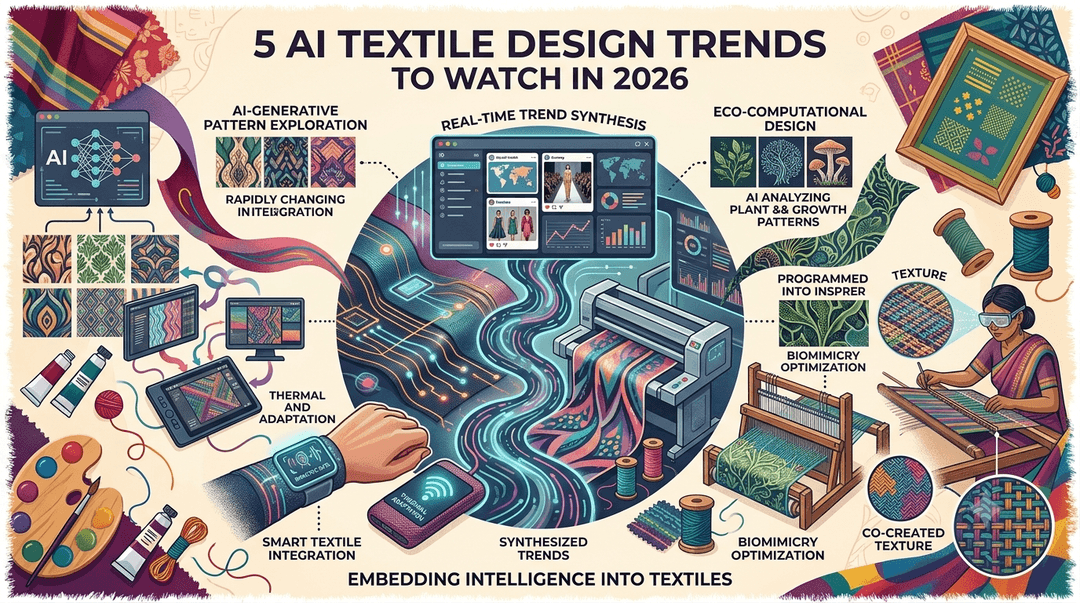
5 AI Textile Design Trends to Watch in 2026
From generative florals to adaptive color palettes, here's how AI is reshaping the way textile designers work.
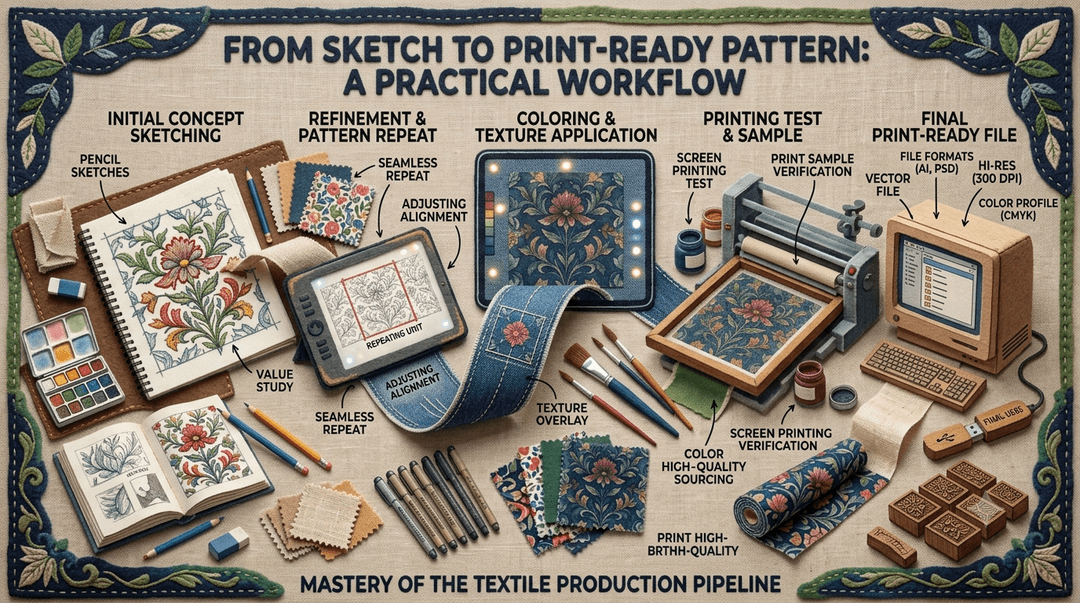
From Sketch to Print-Ready Pattern: A Practical Workflow
A step-by-step look at turning a rough sketch into a seamless, production-ready textile pattern using PrintMaster Ai.
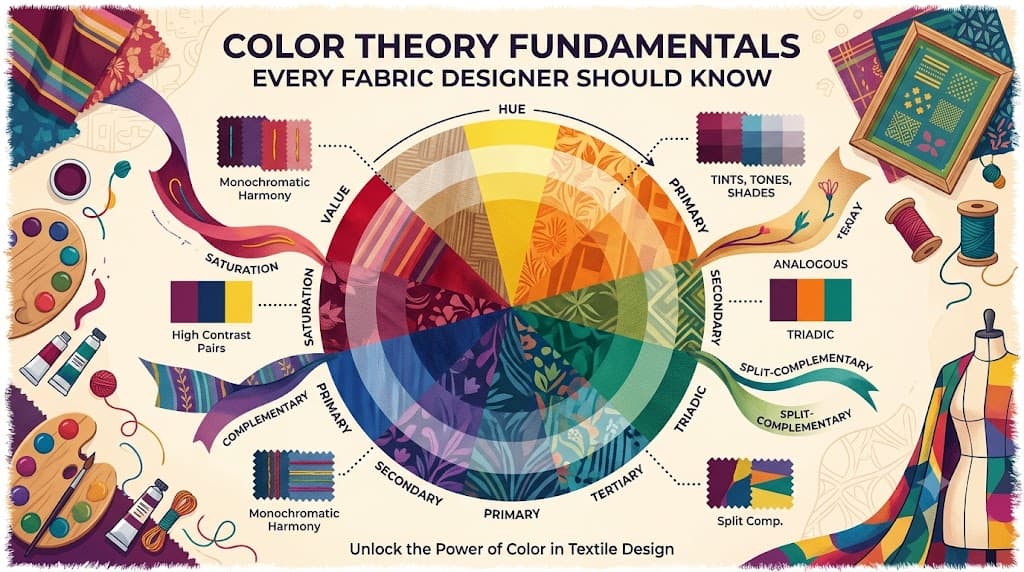
Color Theory Fundamentals Every Fabric Designer Should Know
A refresher on complementary, analogous, and triadic color schemes — and how to apply them to textile prints.